Add to Home Screen
Add ClassyLists to your phone's home screen to open it with one tap, full screen, like an app.
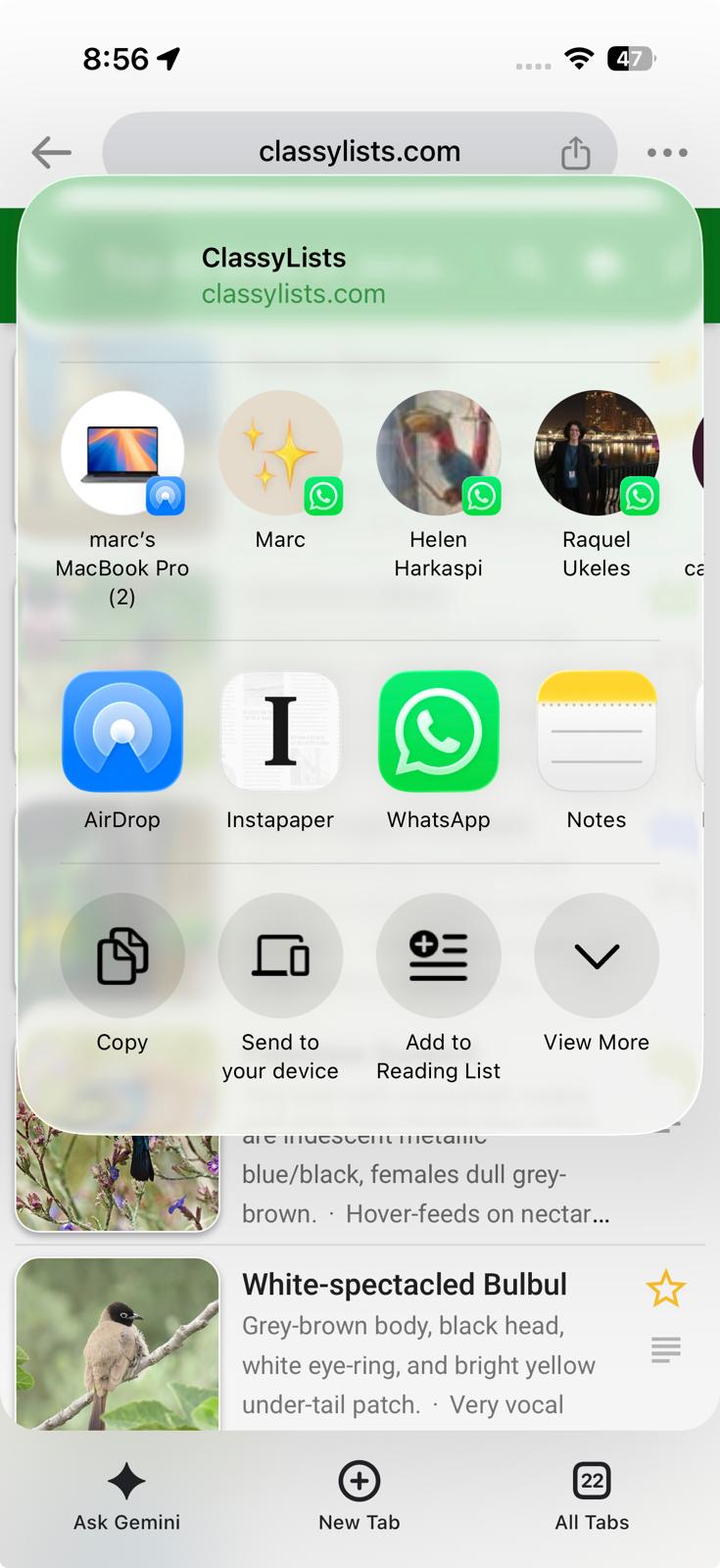
- Tap the Share button. In Safari it's at the bottom of the screen; in Chrome it's in the address bar.
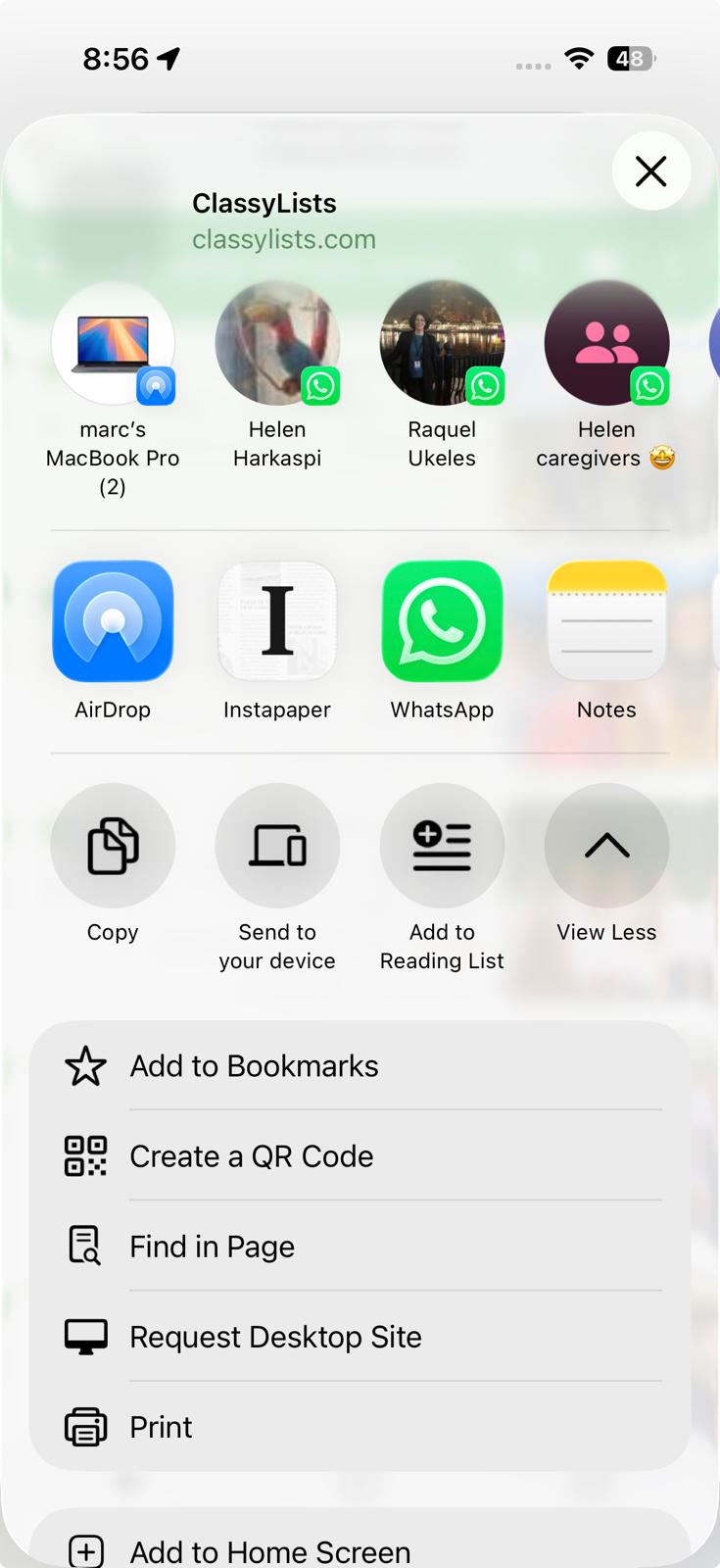
- Tap View More.
- Scroll down, tap Add to Home Screen, then tap Add.